Rich Tables
Create and manage structured data with full-featured tables — headers, colors, resizing, and keyboard navigation.
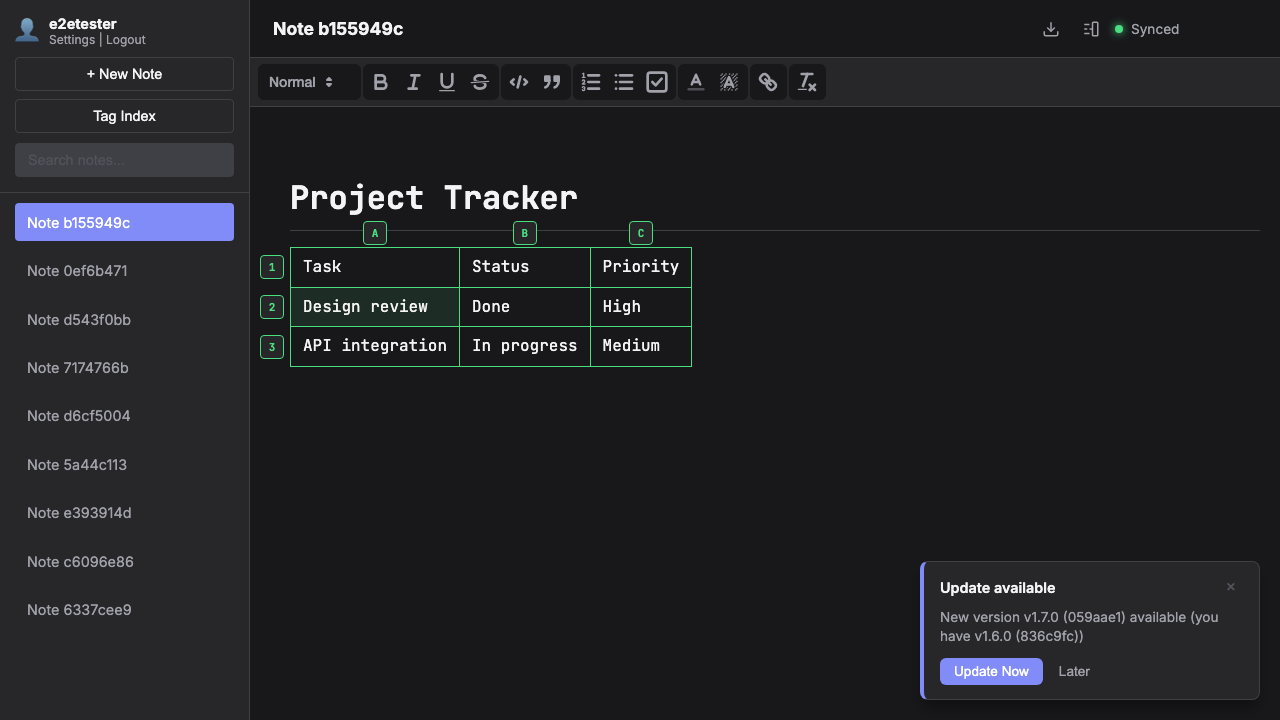
Creating & Editing Tables
Insert a table via the /table slash command. Click column headers (A, B, C) or row numbers (1, 2, 3) to select entire columns or rows. Use the dropdown menu to insert or delete rows and columns.
Headers & Colors
Toggle header formatting on any row or column from the dropdown menu. Apply cell colors from a palette of 11 highlight colors to organize and emphasize data. Headers persist even when inserting new columns or rows.
Keyboard Navigation
Press Tab to move to the next cell (wraps to the next row), Enter to move down (creates a new row at the bottom), and Escape to exit the table. Resize columns and rows by dragging their borders.