Slash Commands
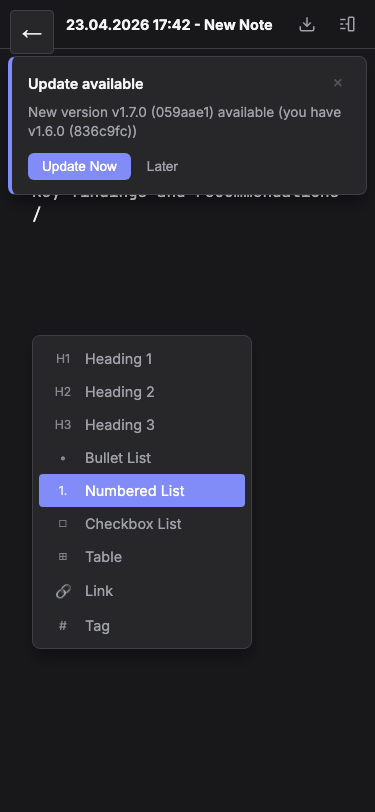
Type / to access a fast command palette. Insert headings, lists, tables, links, and tags without leaving your keyboard.
The Command Palette
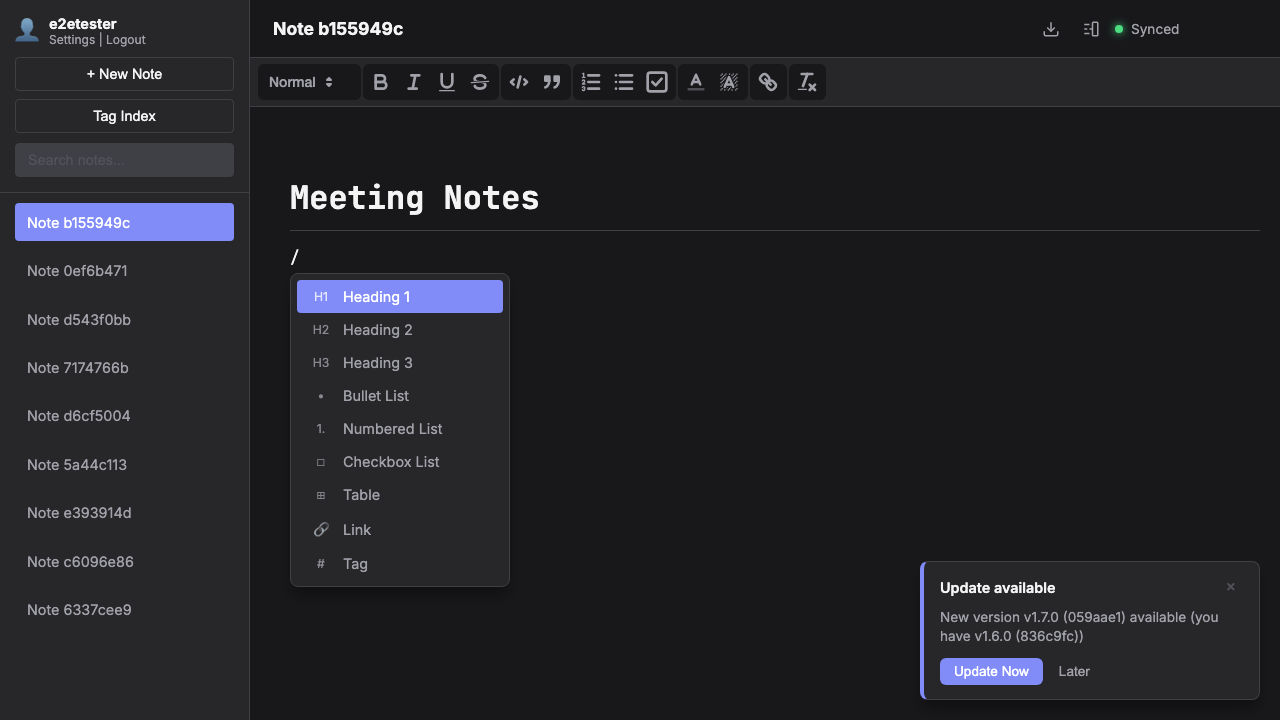
Type / at the start of a line or after a space to open the command palette. A popup appears with all available commands. Start typing to filter — for example, /ta shows both "Table" and "Tag".
Available Commands
Nine commands are available: Heading 1–3 for document structure, Bullet List, Numbered List, and Checkbox List for organized content, Table for data, Link for wiki-style connections, and Tag for categorization.
Keyboard Navigation
Navigate the palette with Arrow keys, confirm with Enter or Tab, and dismiss with Escape. The selected command is applied instantly, replacing the / trigger text. It's designed to keep you in flow without reaching for the mouse.